

Build worlds that feel real.
A 3D engine written from scratch: real-time global illumination, volumetric light and a sky for any hour, an editor in the style of Unreal Engine 5, physics, animation and sound.
Free for personal use · Windows 10 or 11, 64-bit · 63 MB
What’s new
Winds Engine 0.3 is out for Windows
The editor, the Atelier and the samples in one 63 MB zip. Unzip it and run.
Inside the Atelier: light that bounces
How a probe volume relit every frame carries the sun off the floorboards onto the walls.
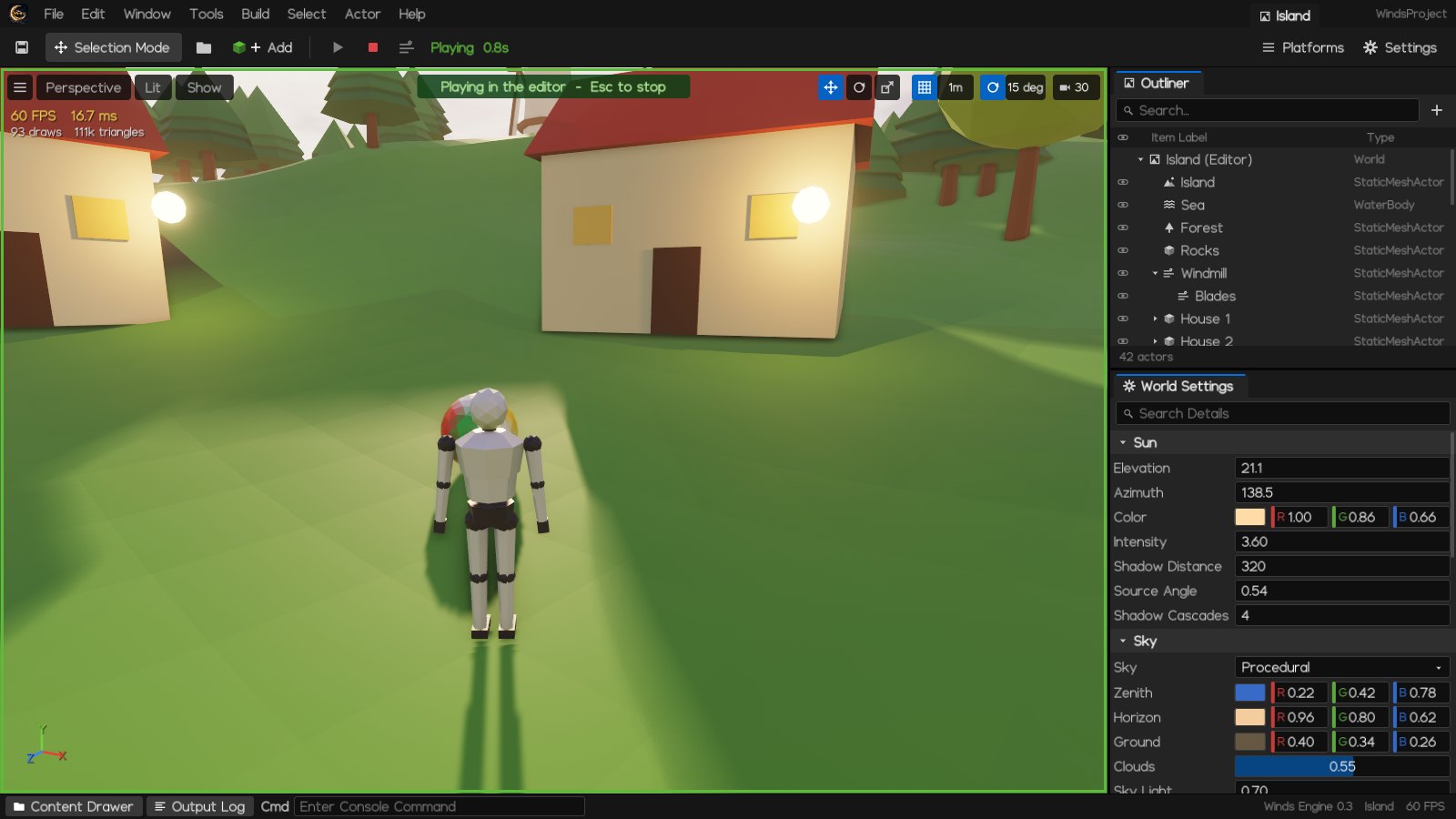
Build a level, press F5 and walk it
Play in the editor as a third-person character, then Esc puts the level back as it was.
Every light in the room, in real time.
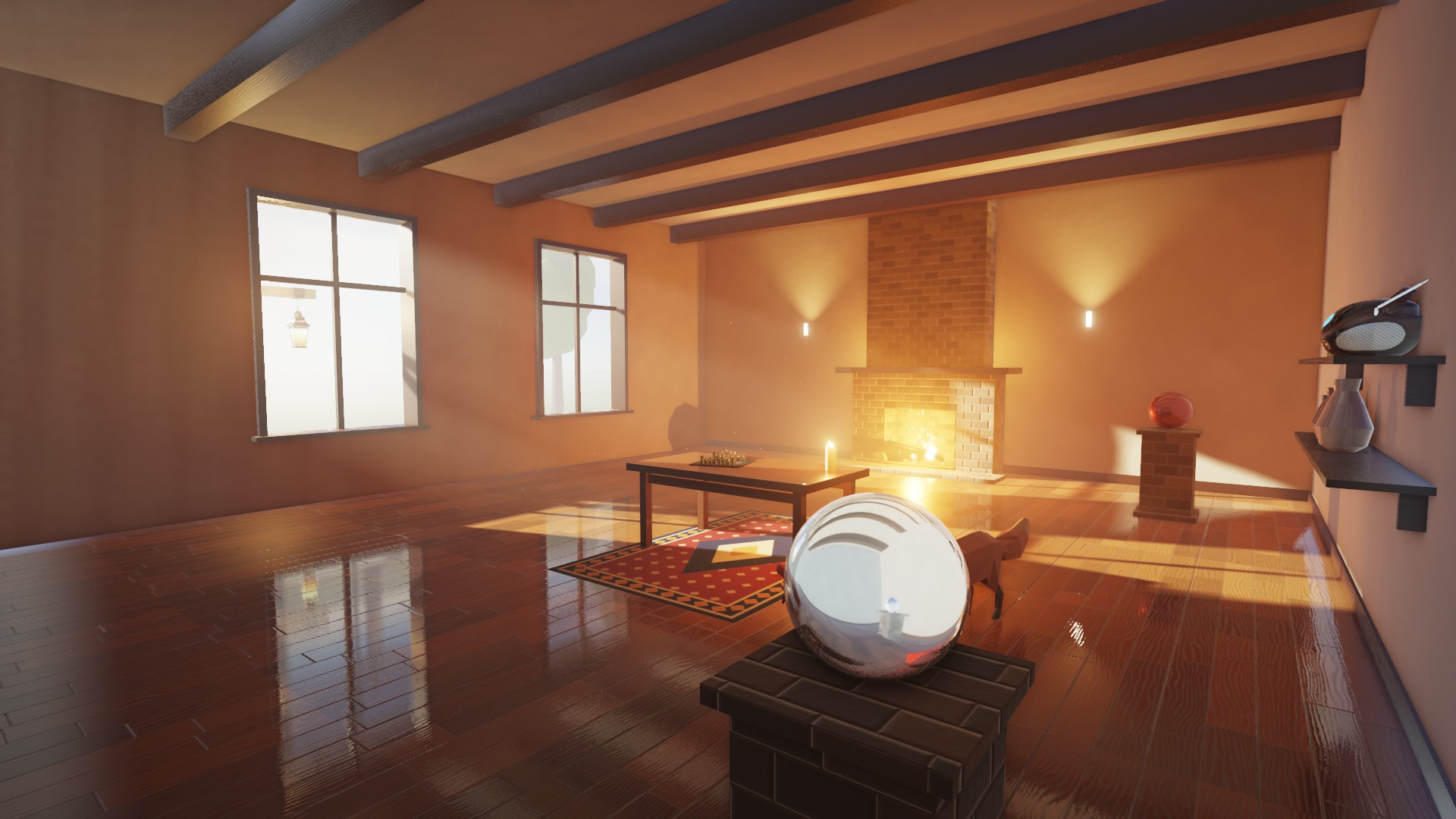
Deferred and physically based, and the engine’s own, down to the OpenGL loader and the typeface. Every picture on this page is a frame from it.
Light that bounces.
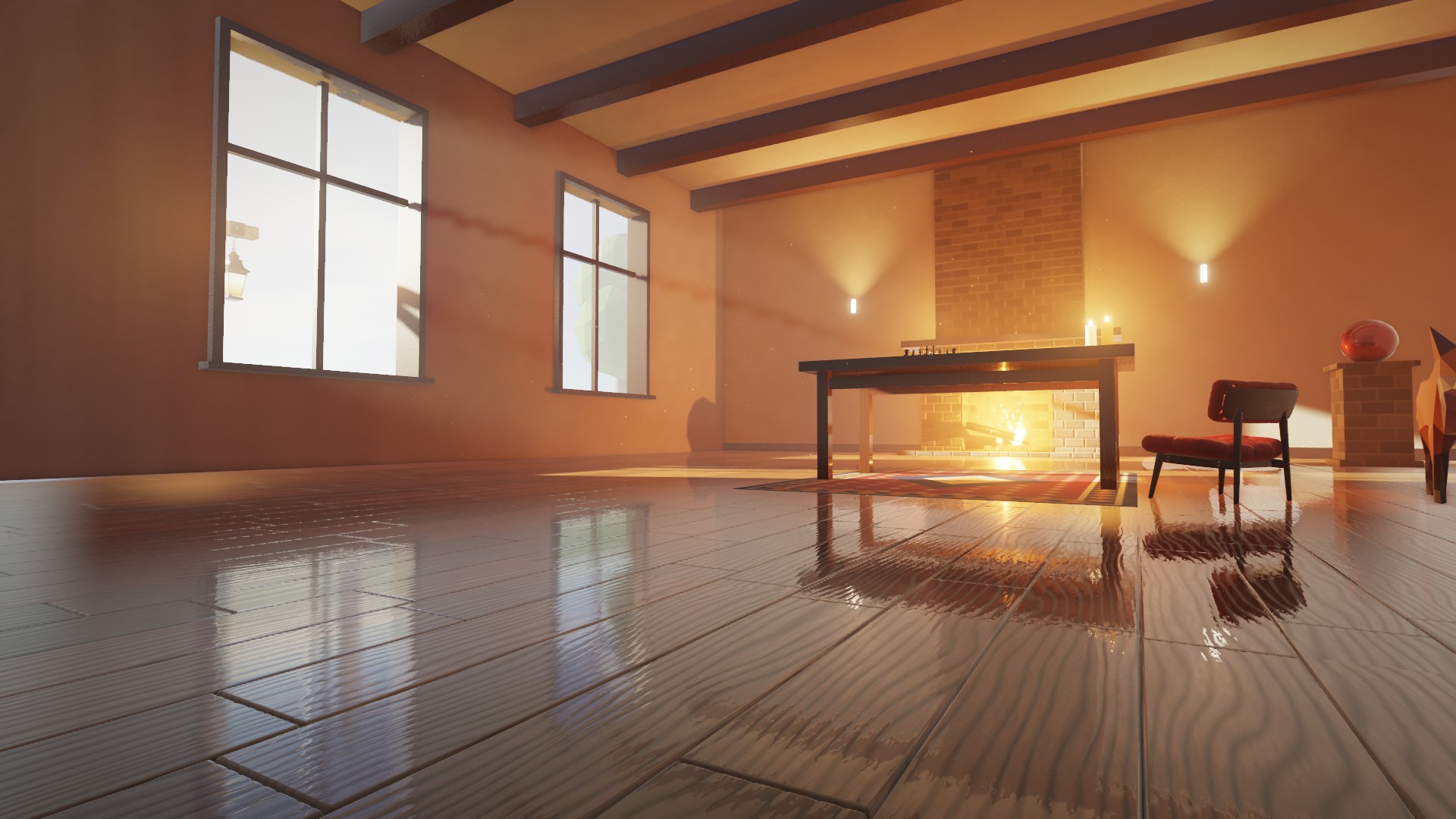
A probe volume is relit every frame from the lit scene: the sun, every lamp and the sky, several bounces deep. Sunlight on the floorboards warms the walls and the ceiling, and visibility keeps it from leaking through walls.
Air you can see.
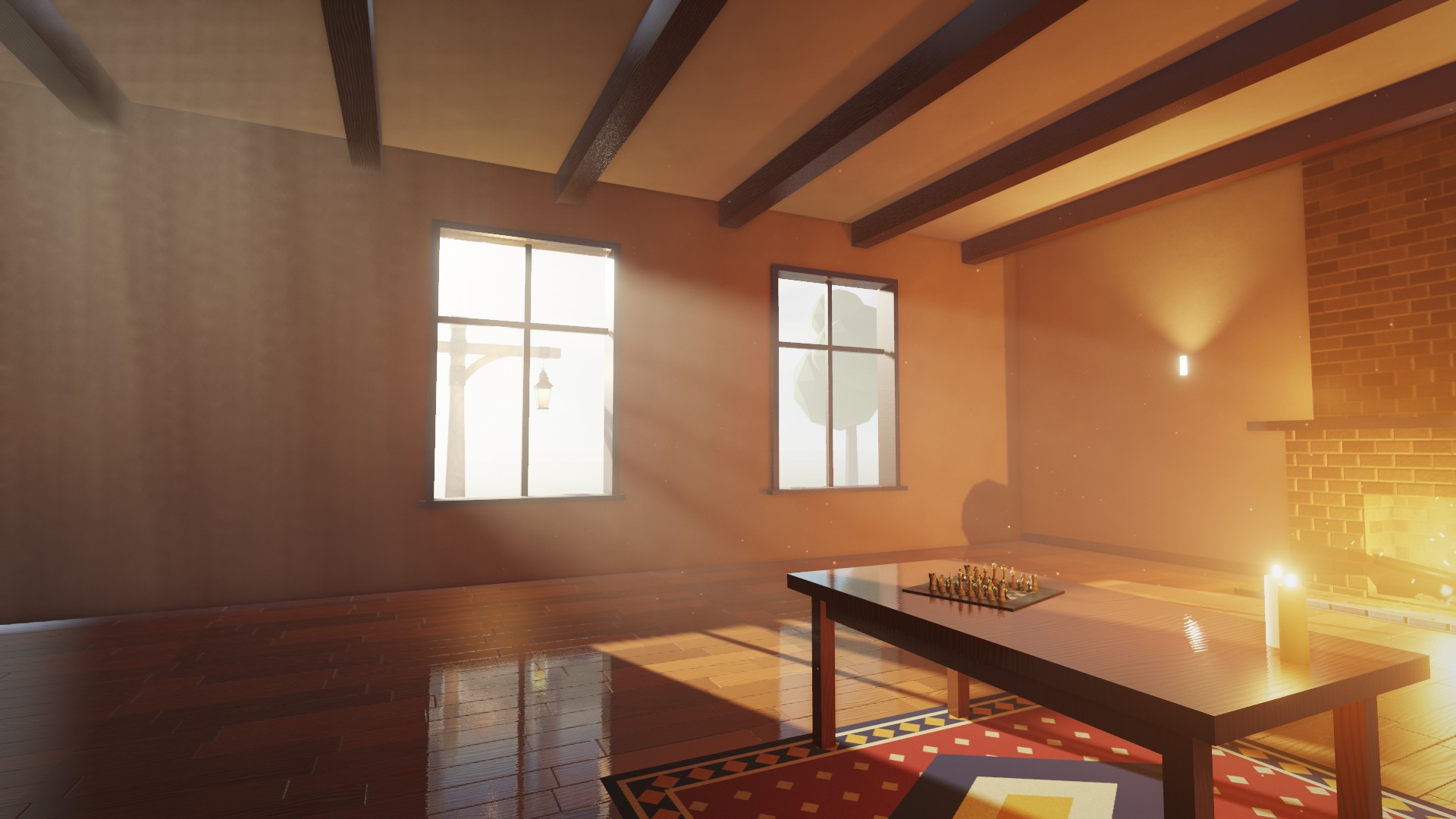
Froxel fog lit through the shadows of the sun and every local light: shafts through the windows, dust caught in them, halos round the lanterns. A physically based atmosphere colours the sun and the sky at any hour.
Stone, wood and fire.
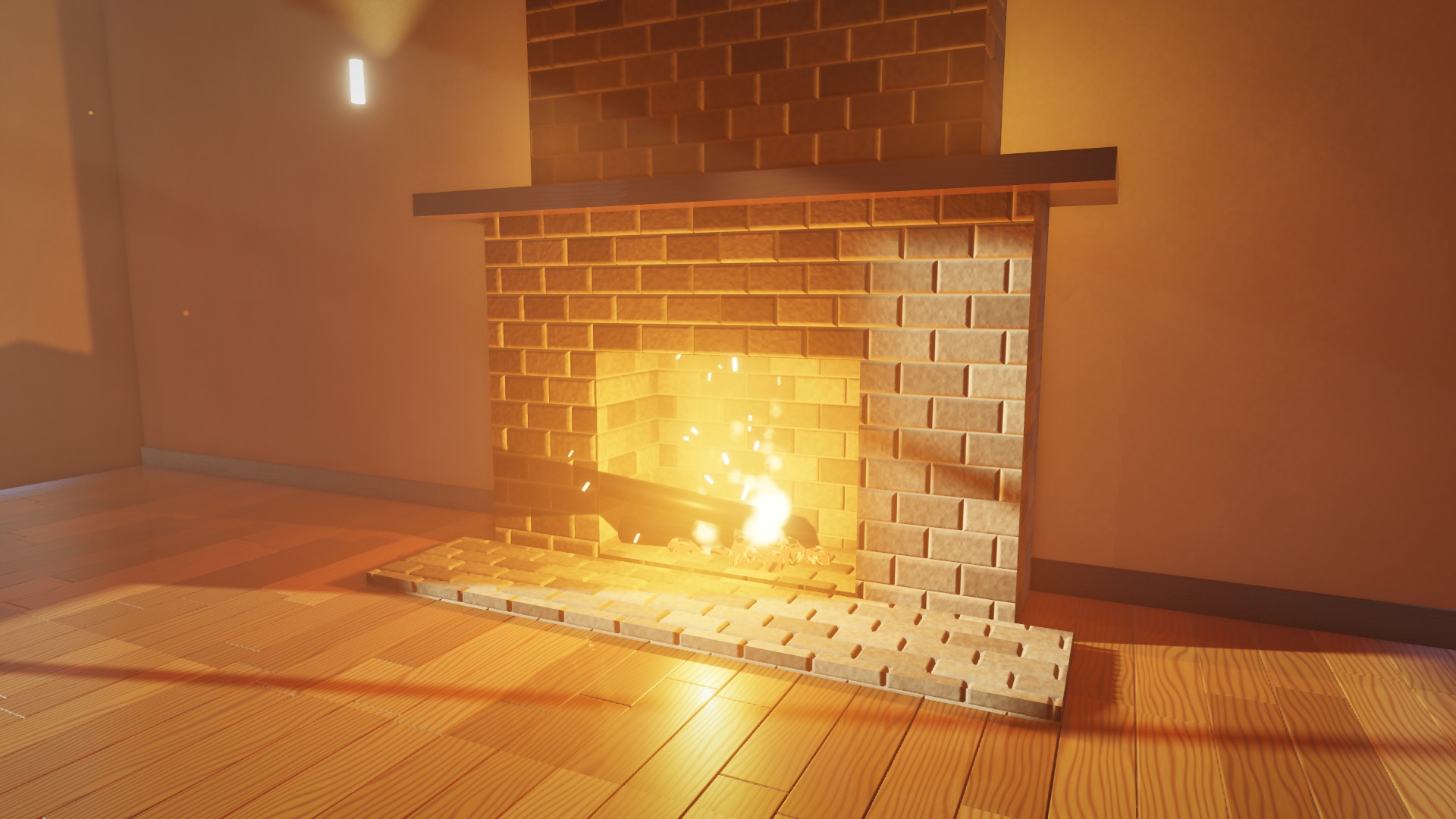
Metallic-roughness GGX with normal and parallax occlusion mapping, clear coat and subsurface. Smoke, sparks and embers are soft, sorted and lit per particle through the shadows and the clustered lights.
Shot through a real lens.
Bokeh depth of field from a physical camera, motion blur, eye adaptation, white balance and colour grading with ACES tone mapping, held steady by temporal anti-aliasing.
Under the hood
Physics (Jolt), glTF (cgltf), images (stb_image) and audio output (miniaudio) are open-source libraries; the rest is Winds Engine.
Deferred pipeline
G-buffer with motion vectors, clustered lighting for up to 1,024 lights, GPU timers per pass, presets from Low to Cinematic.
Shadows
Four cached cascades with contact-hardening soft shadows; shadowed spot and point lights in an atlas that redraws only what moved.
Reflections
Screen-space reflections, box-projected reflection captures and the sky’s prefiltered environment.
Sky & atmosphere
Transmittance, multiple scattering, sky view and aerial perspective; or an HDR sky image.
Geometry
Levels of detail generated at load, vertex cache ordering, instancing, frustum culling on worker threads.
Animation
Skeletal animation from glTF on the GPU, crossfades, two-bone IK that puts feet on the ground.
Physics
Jolt rigid bodies, collision and a character controller to walk the level.
Audio
3D sound sources that fade with distance, mixed by miniaudio.
Build it. Light it. Play it.
Everything in one window, laid out like Unreal Engine 5: build a level, light it, and play it without leaving the editor.
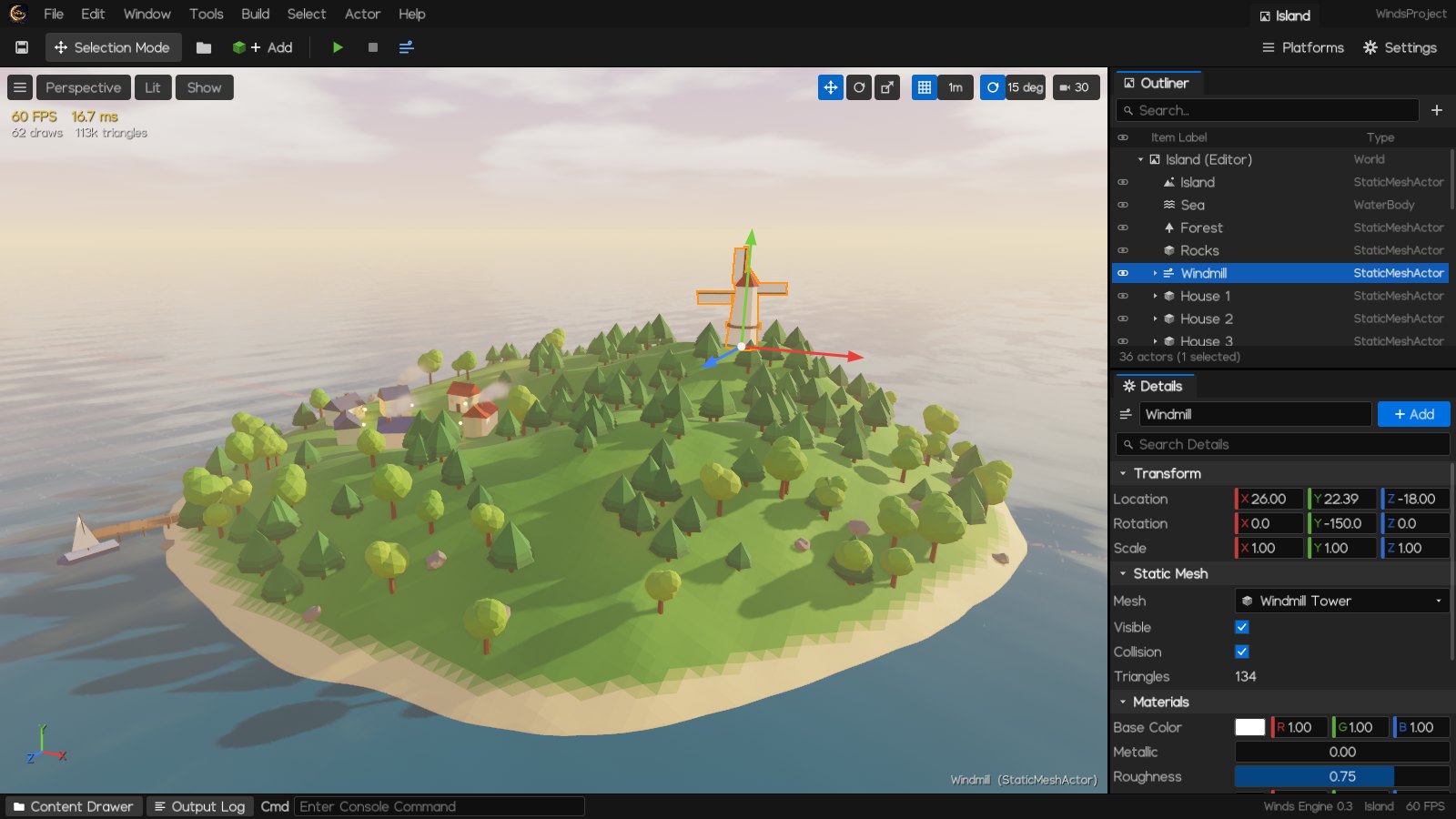
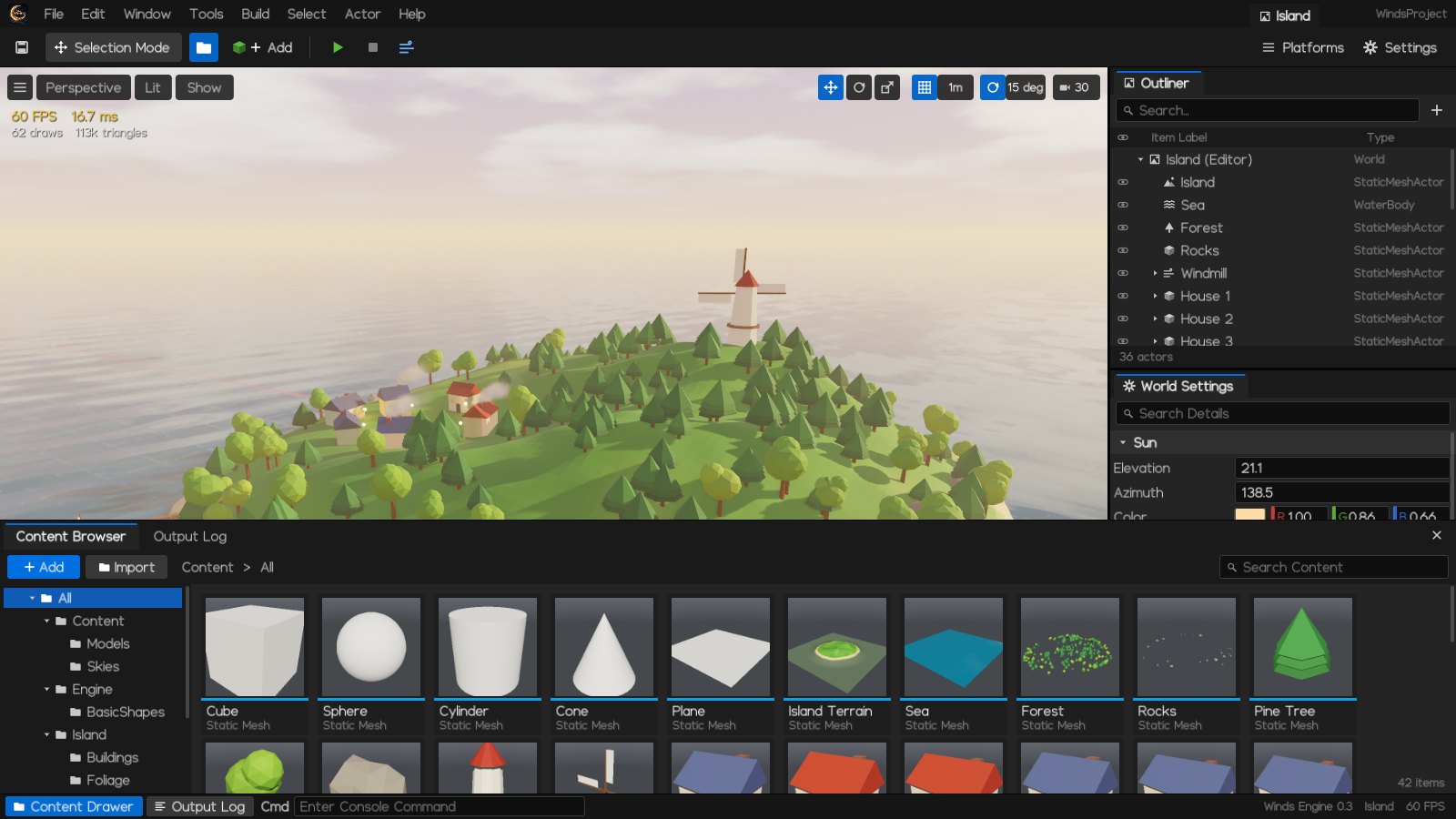
Viewport
Hold the right mouse and fly with WASD; move, rotate and scale with W E R, with grid and rotation snap.
Outliner & Details
Every actor, light and material, and World Settings for the sun, sky, atmosphere, fog and lens. Undo and redo for every edit.
Play in the editor
Press F5 to play as a third-person character; Esc puts the level back as it was. Levels are .wlevel text files.
What you can make
The download comes with the Atelier, the island and the model viewer, so you can see each of these running on your own machine.
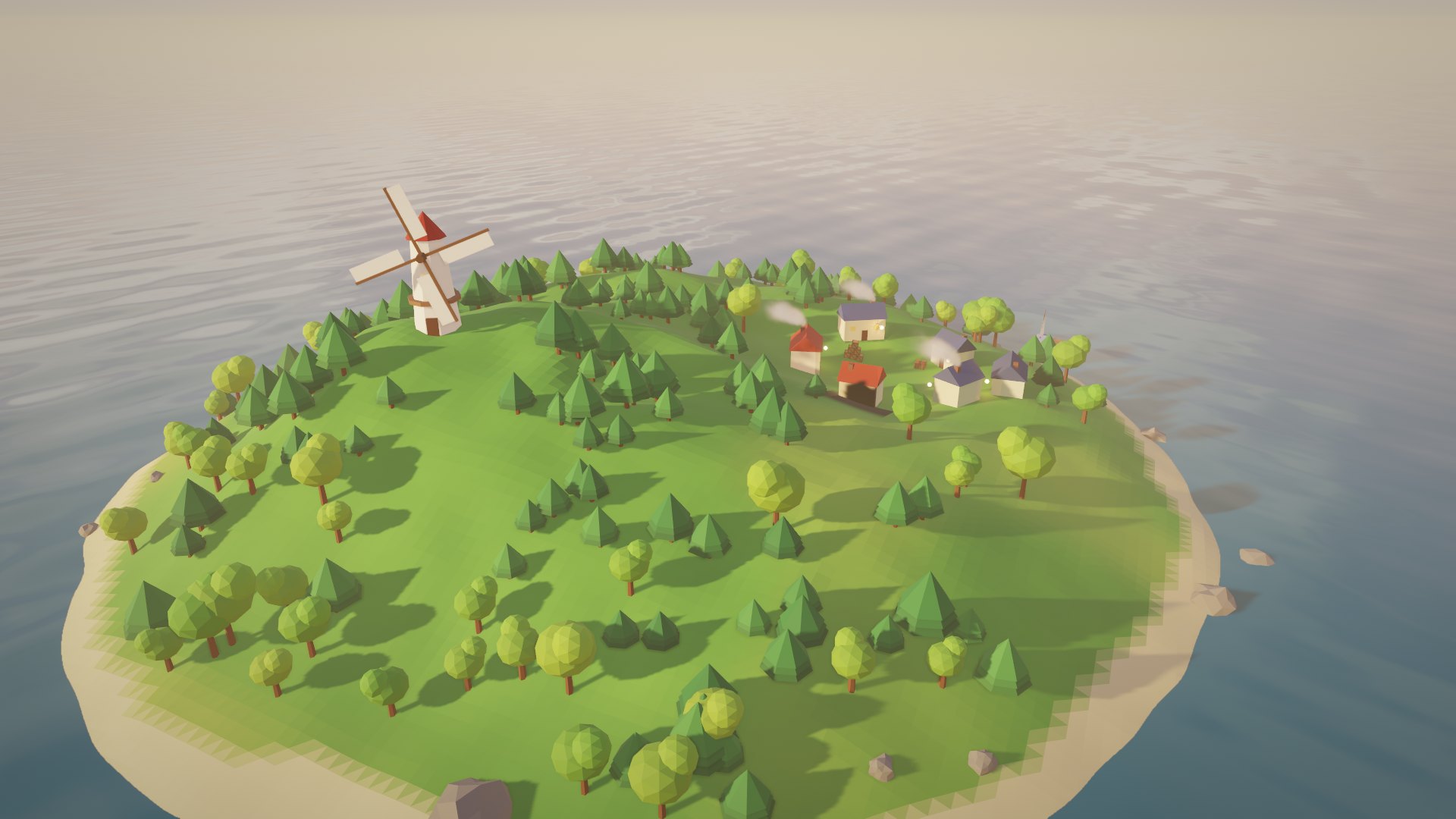
Games
Worlds you can walk: a third-person character, physics, sound, and levels saved as text you can read and diff.
Cinematic scenes
Interiors at golden hour, lit the way light really behaves, from Low on a laptop to Cinematic for stills.
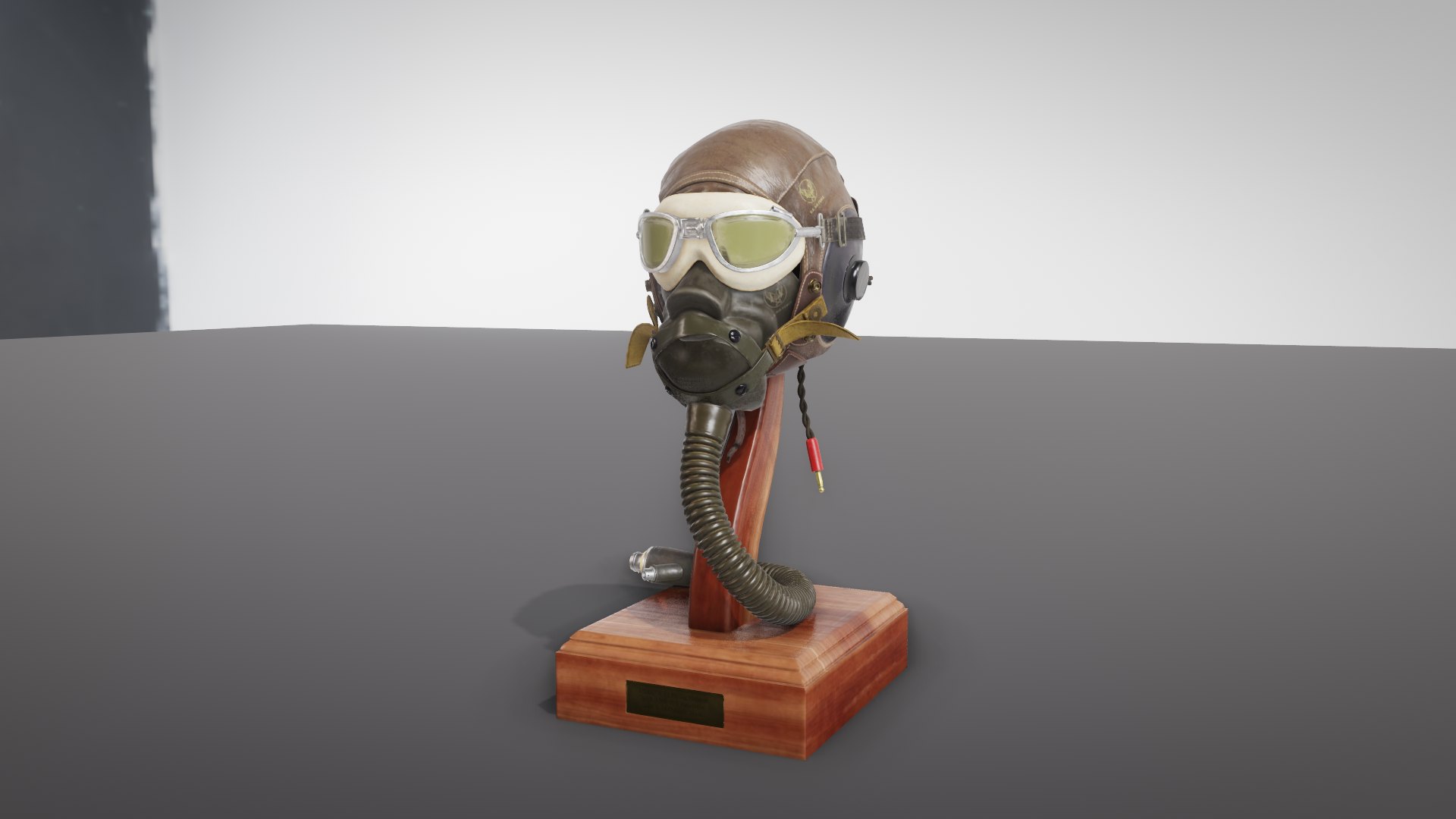
Model showcases
Drop any glTF model on the model viewer and turn it under image-based light.

Download Winds Engine
Version 0.3 for Windows · 16 October 2026. Nothing to install: unzip it and run.
Get started
- Download the zip, right-click it and choose Extract All.
- Open the folder and double-click
winds_editor.exe, orwinds_showcase.exefor the Atelier. - If Windows says “Windows protected your PC”, choose More info, then Run anyway: the programs are not code-signed yet.
You need
- Windows 10 or 11, 64-bit, and about 100 MB of disk space.
- A graphics card with OpenGL 3.3: any NVIDIA, AMD or Intel GPU from the last ten years, with the driver from its maker.
- On a laptop with two GPUs, set the programs to High performance in Settings › System › Display › Graphics.
In the folder
winds_editor.exeThe Winds Editorwinds_showcase.exeThe Atelier, the renderer’s showcasehello_winds.exeThe island, a small sample worldmodel_viewer.exeOpens any glTF model: drop one on itREADME.txtControls, and what to do if a program will not start